
This video includes:
- Completing a company tax return for year ended 2022 with a QuickBooks data import -
- Mapping & classification
- Understanding the reconciliation section
Guide:
The Lodgeit "Financial Reports/Statement" Module relies on a single import and classification exercise to populate Working Papers, the Tax Form and "Financial Reports/Statement".
For QuickBooks -
Select "Financials" and choose QuickBooks
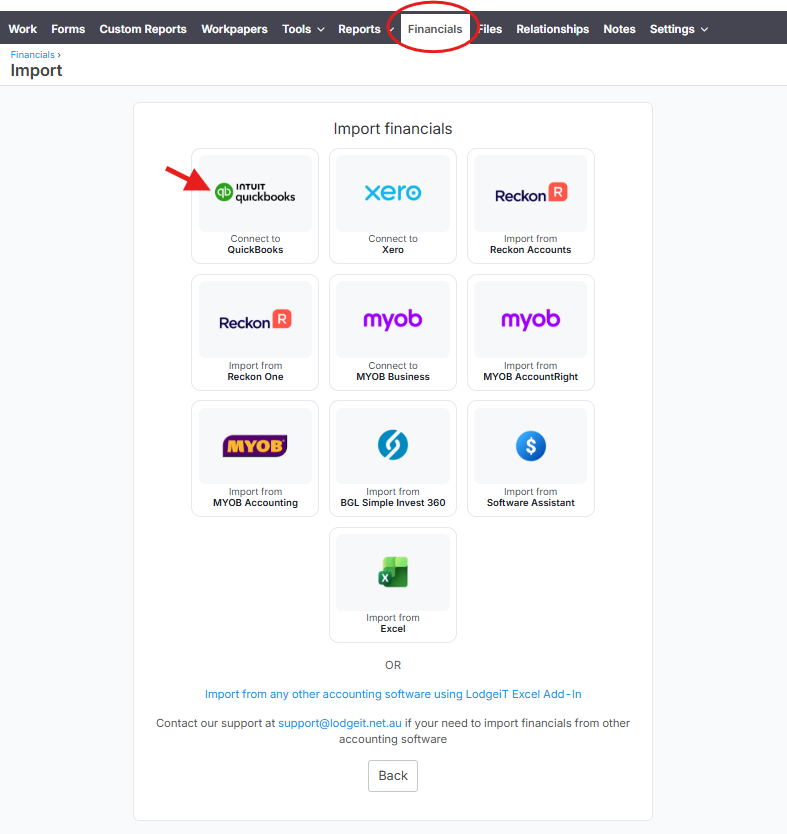
It will redirect to QuickBooks log-in page

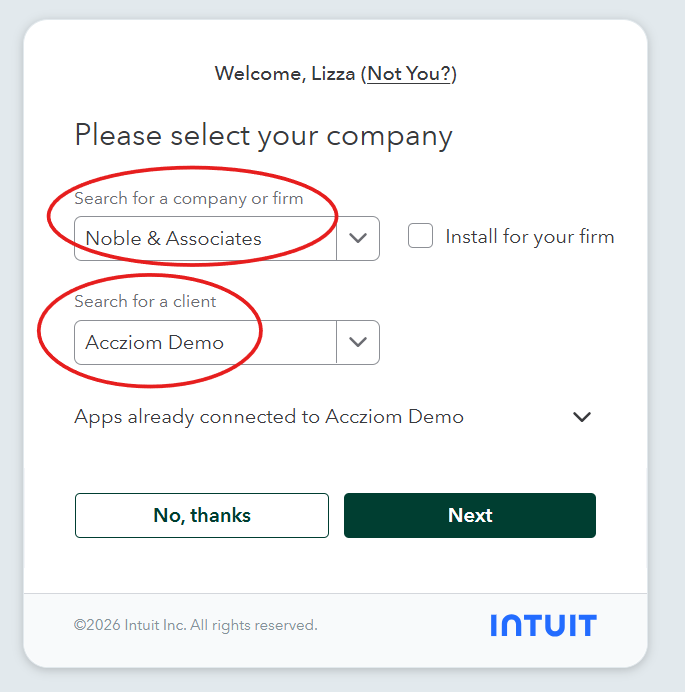
Search for the company firm, then "Select for a client"
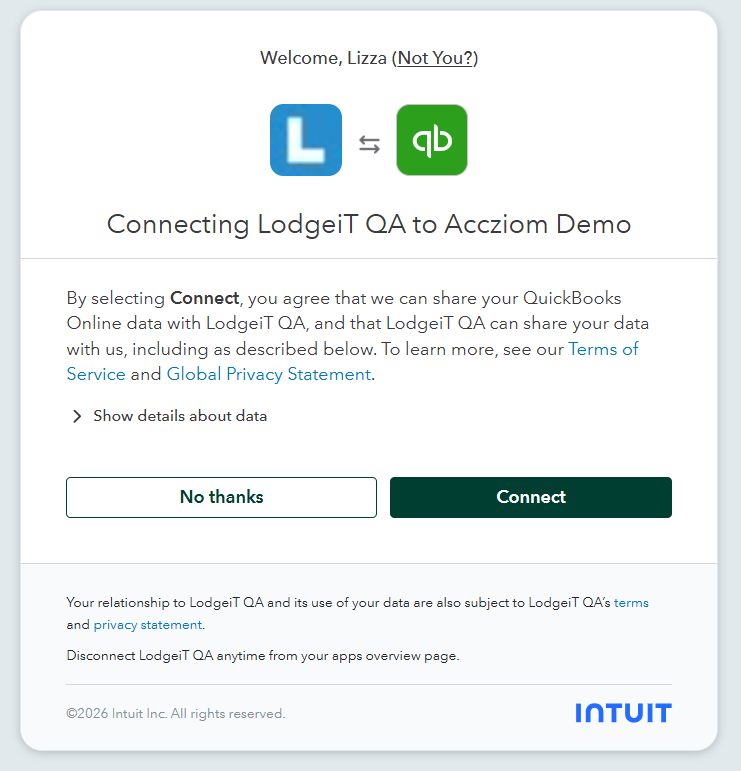
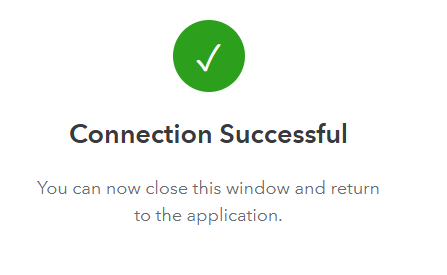
Confirm and press "Connect"
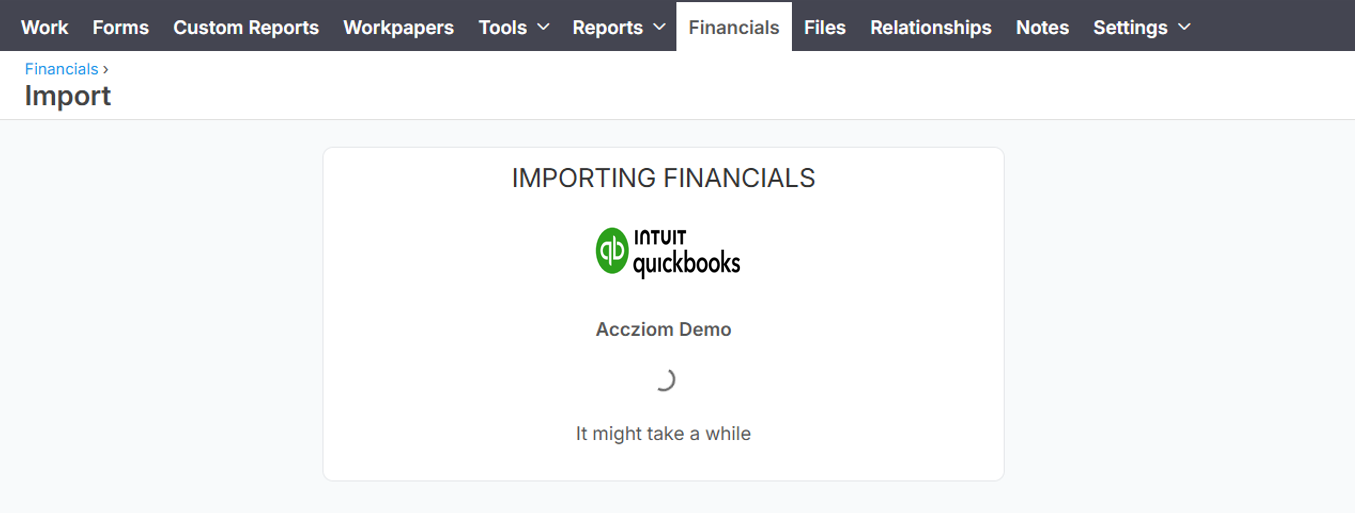
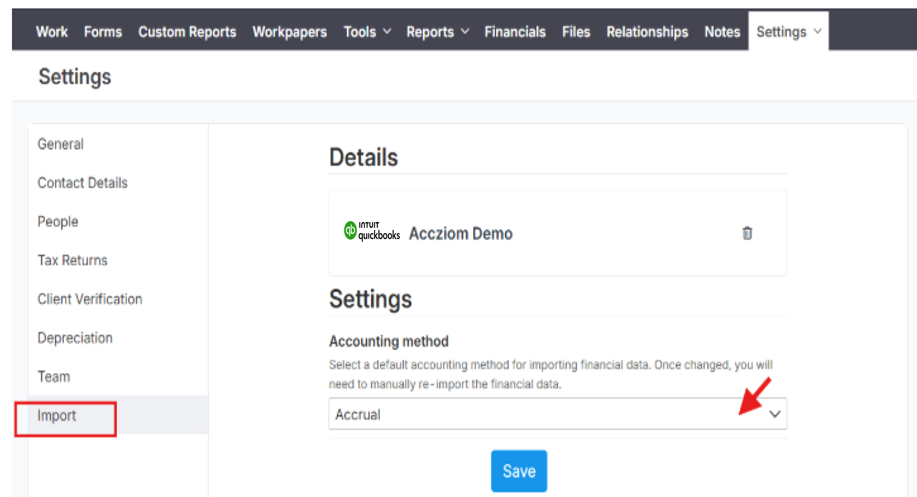
Select the Accounting Method. If "Accrual" or "Cash". Learn more
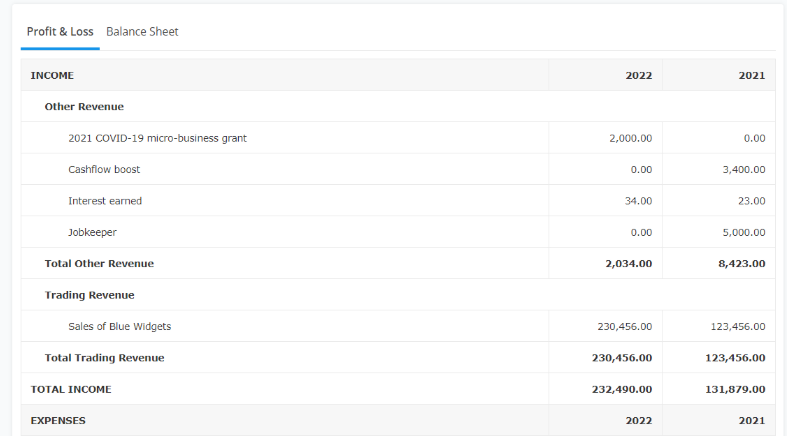
Here is the view of imported Financials from QuickBooks to Lodgeit.

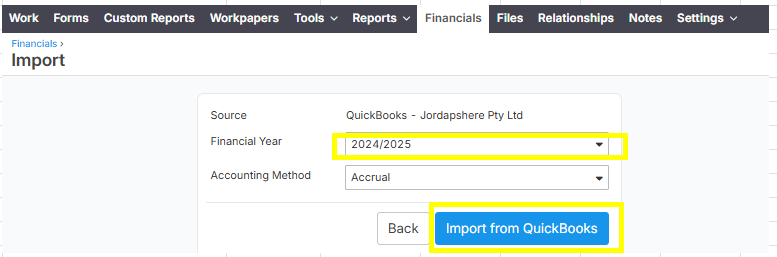
NOTE: To import financials from QuickBooks, just go to Financials and click the "Import" button. (Below image has already a financial year 2022 financials.)

Click Financial Year and select "2024/2025" and then click "Import from QuickBooks" to import the financials into the Lodgeit client.
Other helpful Articles:
"Financial Reports/Statement" - Sole Trader
Preparation of Trust "Financial Reports/Statement"
Preparing of Partnership "Financial Reports/Statement"
How to Disconnect a Connected Accounting System
QuickBooks Billing: Connecting Lodgeit to QuickBooks Accountant and Billing
Importing Financial Statements from QuickBooks