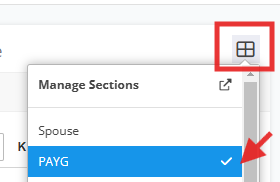
Make sure that PAYG is activated via financial image
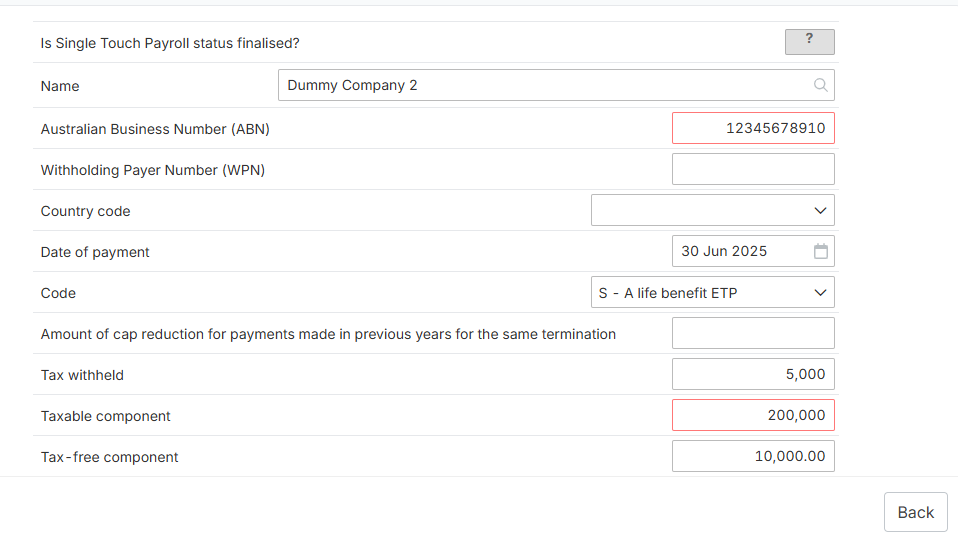
2. Once activated, click "Income" > "PAYG". Then, scroll below and find the "Employment termination payments"

3. Input the details and the figures as applicable.

Modified on: Wed, 26 Nov, 2025 at 12:17 PM
Make sure that PAYG is activated via financial image
2. Once activated, click "Income" > "PAYG". Then, scroll below and find the "Employment termination payments"
3. Input the details and the figures as applicable.
Did you find it helpful? Yes No
Send feedback