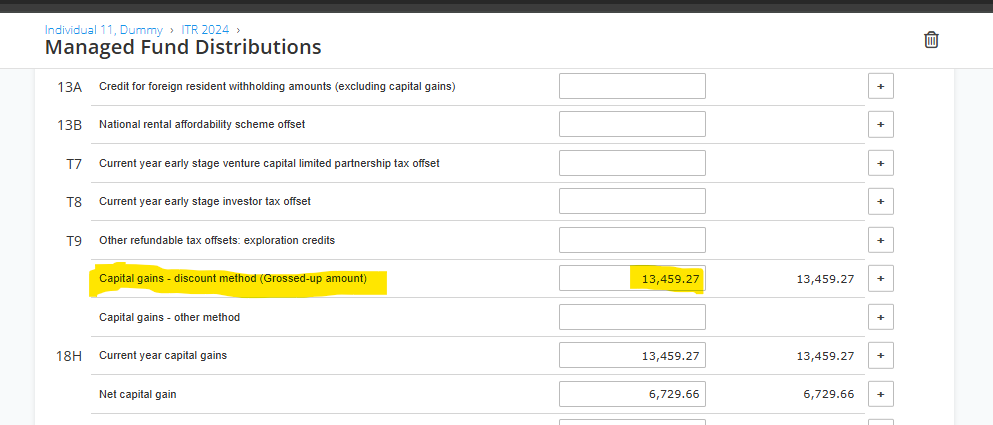
ATO-prefilled managed fund data automatically populates the Managed Fund tab worksheet, but the net capital gain may not flow correctly to the separate Capital Gains schedule (Item 18) if discount method details are incomplete or overriding occurs.



To correct the discrepancy and ensure the net capital gain in the Capital Gains schedule is correct, navigate to Income > Managed Fund, open the prefilled worksheet, manually select or confirm "Capital gains – discount method (Grossed-up amount)" via T9 imputation, then toggle "Fill capital gain manually? No" and add or edit a granular CGT worksheet under Capital Gain tab (enter cost base, full sale proceeds >12 months holding for auto-discount). This offsets the prefill, applies the discount properly, and updates Item 18 totals without double-counting.